
GRAIN · The Kit
What I actually use.
The equipment and apps I reach for when I shoot content in the treatment room. Nothing here is sponsored. All of it fits in a shoebox and costs less than a device you already own.

Some links below are affiliate links. If you buy through them, I may earn a small commission at no cost to you. I only include what I actually use.
The hardware.
Four items. That’s the whole kit. A treatment room already has good bones for filming: soft skin, close hands, warm surfaces. The gear just controls the light and holds the phone steady.
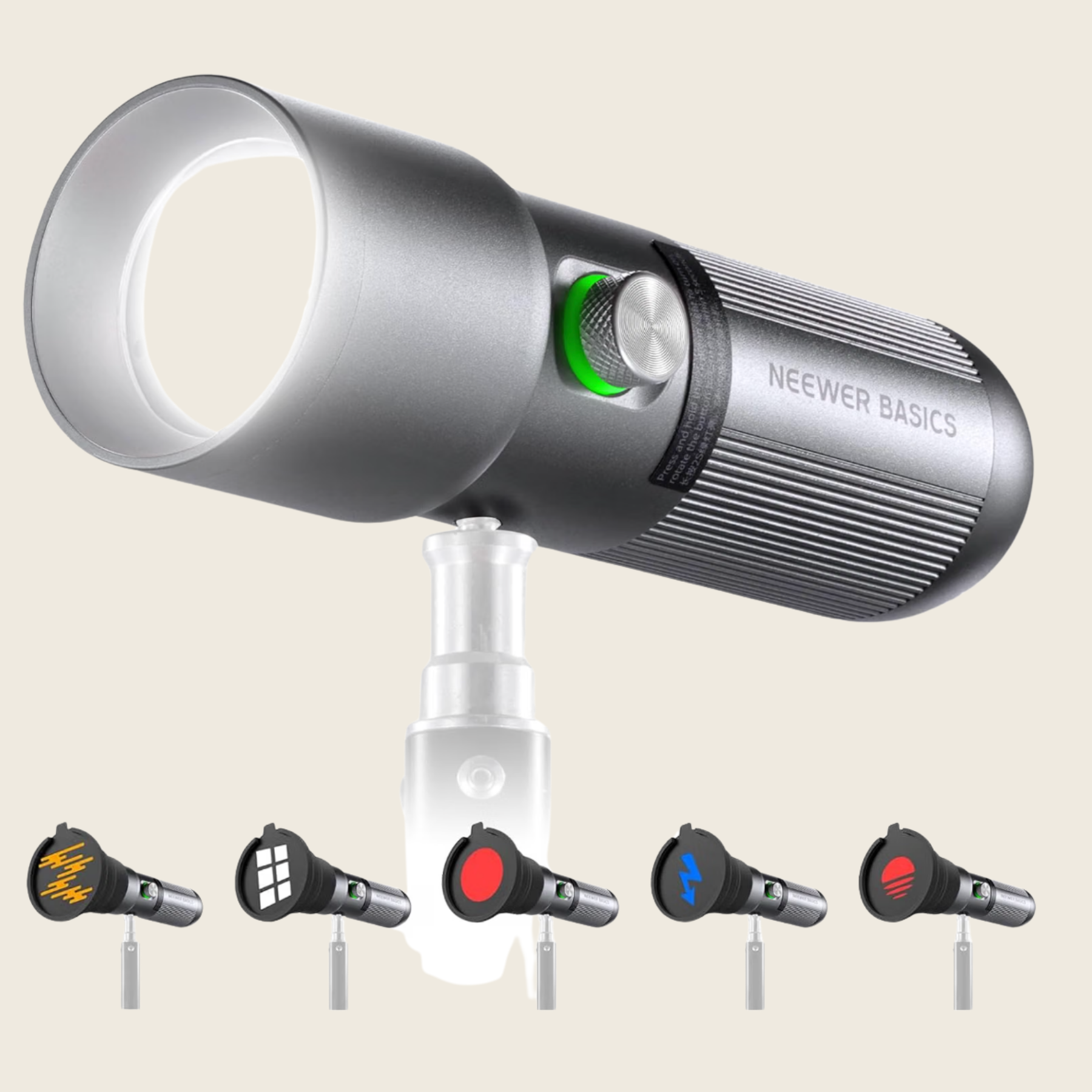
The spotlight
A single directional light, aimed from about 45 degrees above the client’s face. This is the one purchase that changes how your footage reads more than anything else. Overhead ceiling lights make skin look flat and clinical. A spotlight brings back the shadow, which is where texture lives. Skin without shadow looks like a stock photo. Skin with shadow looks like an editorial.
Shop the spotlight →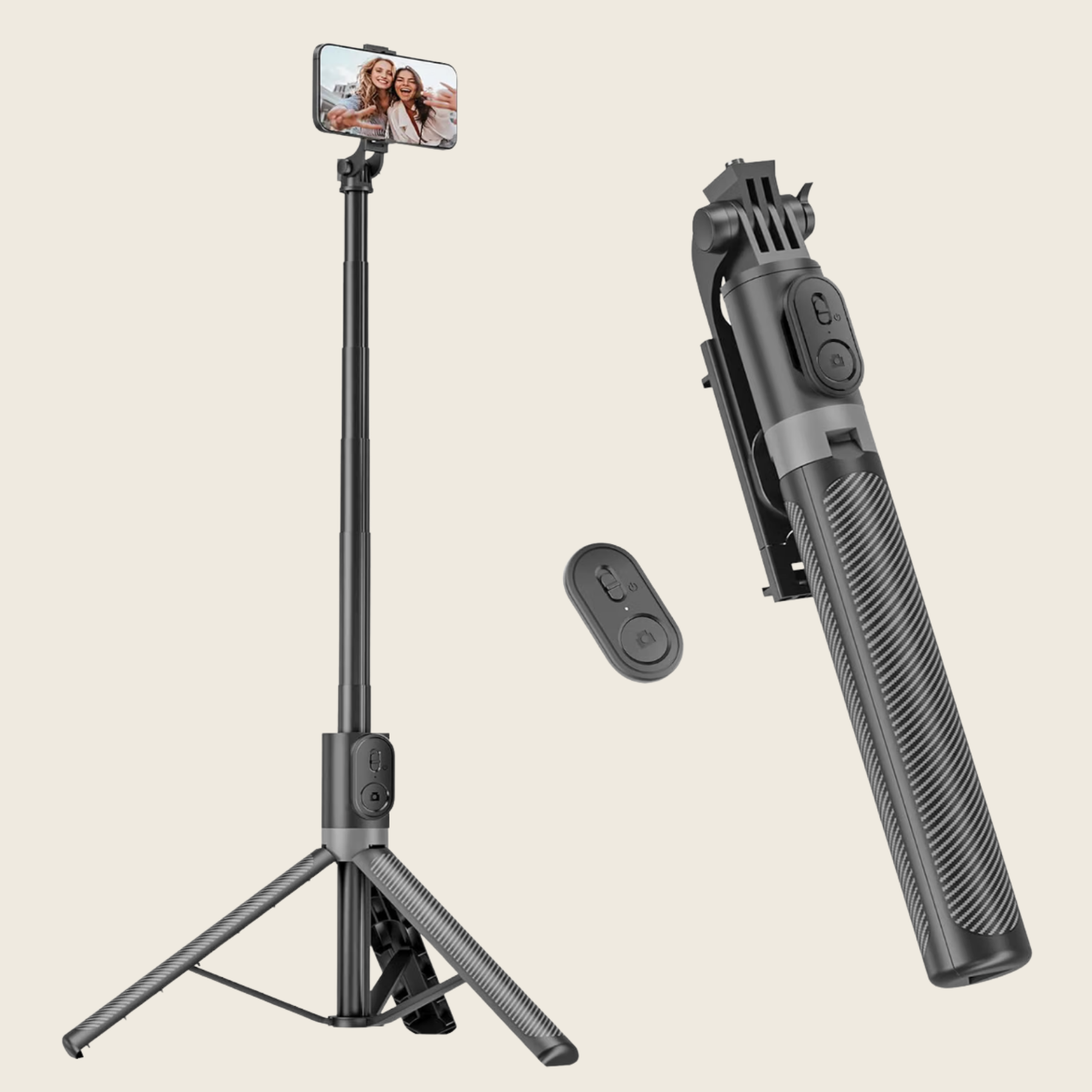
The light tripod
You need to control where the light comes from, and it needs to stay there for the entire treatment. Handheld doesn’t work. A cheap light stand solves it. Set it, forget it, move on. The spotlight above lives on this stand for every session.
Shop the light tripod →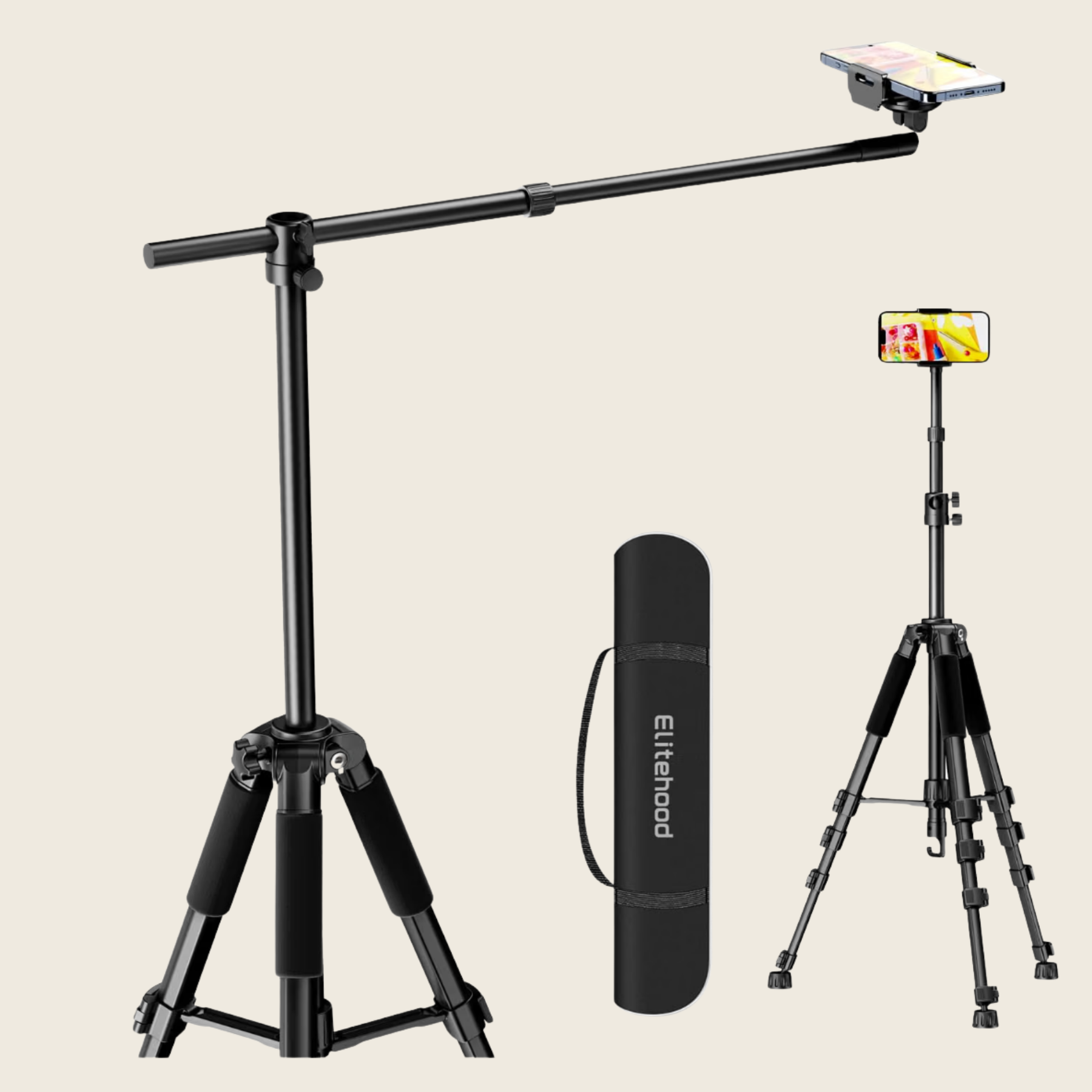
The phone tripod
The phone is the camera. The tripod holds it in the same spot for every treatment so your footage cuts together cleanly. Not filming? Leave it up anyway. The friction of setting it up every time is what stops most people from filming consistently. Solve that first.
Shop the phone tripod →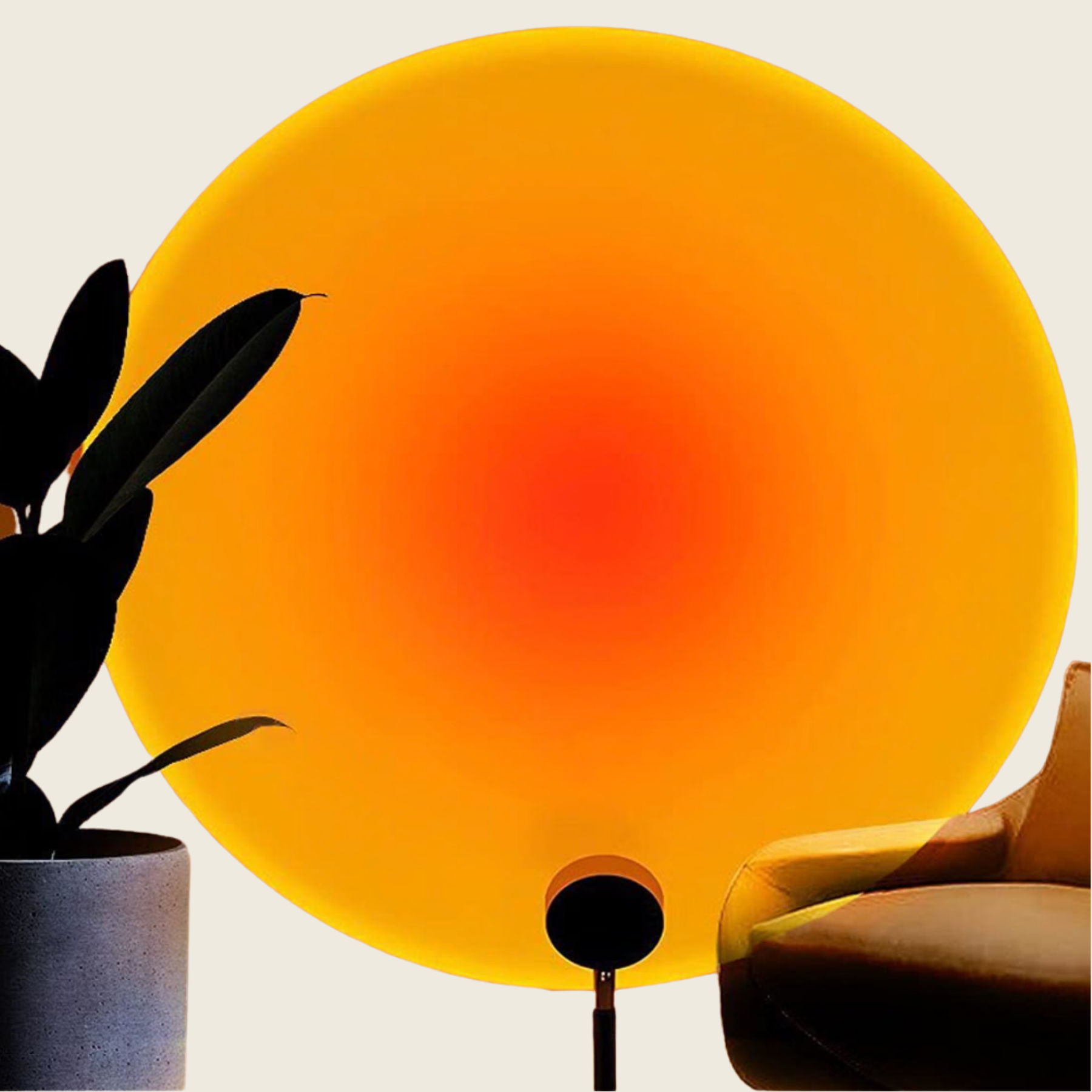
The sunset lamp
A warm wash in the background of the frame. It doesn’t light the client, it lights the room, and it turns a functional treatment space into somewhere people want to be. The GRAIN rule is that the room does half the work. This is one of the small pieces that makes the room look like the room.
Shop the sunset lamp →The workflow.
Four apps, all on the phone already in your pocket. The order matters. Each one does one thing well, and you don’t need it to do more.
CapCut
EditingTalking-head videos. It’s free, it lives on the phone, and it does everything a pro editor does for the 90 percent of edits you’ll ever make. An hour of playing with it and you’ll never open Premiere for social again. The trick: keep templates off. Cut it yourself.
Get CapCut →Captions
CaptionsAuto-captions that actually track speech, in styles that don’t look like YouTube in 2018. Most people watch with the sound off, so the caption is the video. It handles the timing in about 30 seconds a clip, so your editing time goes to the cut, not the transcription.
Get Captions →TikTok
CaptureNot for posting, for filming. The in-app camera handles skin tones and low light better than the native iPhone camera in most treatment rooms, and it gives you slow-motion and speed ramps without a second app. Record in TikTok, save to camera roll, edit somewhere else.
Get TikTok →Prequel
ColorFilters and color grading. Used sparingly, it keeps your feed consistent across different lighting. Used heavily, it turns every video into the same beige mush as everyone else’s feed. Pick one or two looks and stick with them. The consistency is the point, not the effect.
Get Prequel →None of this replaces knowing what to film. The kit makes it easier. The point of view is still yours.
— Jeff